Help & Support
Document the family tree, friends and family
How to maintain the family tree and the friends list — and which pages need Premium.
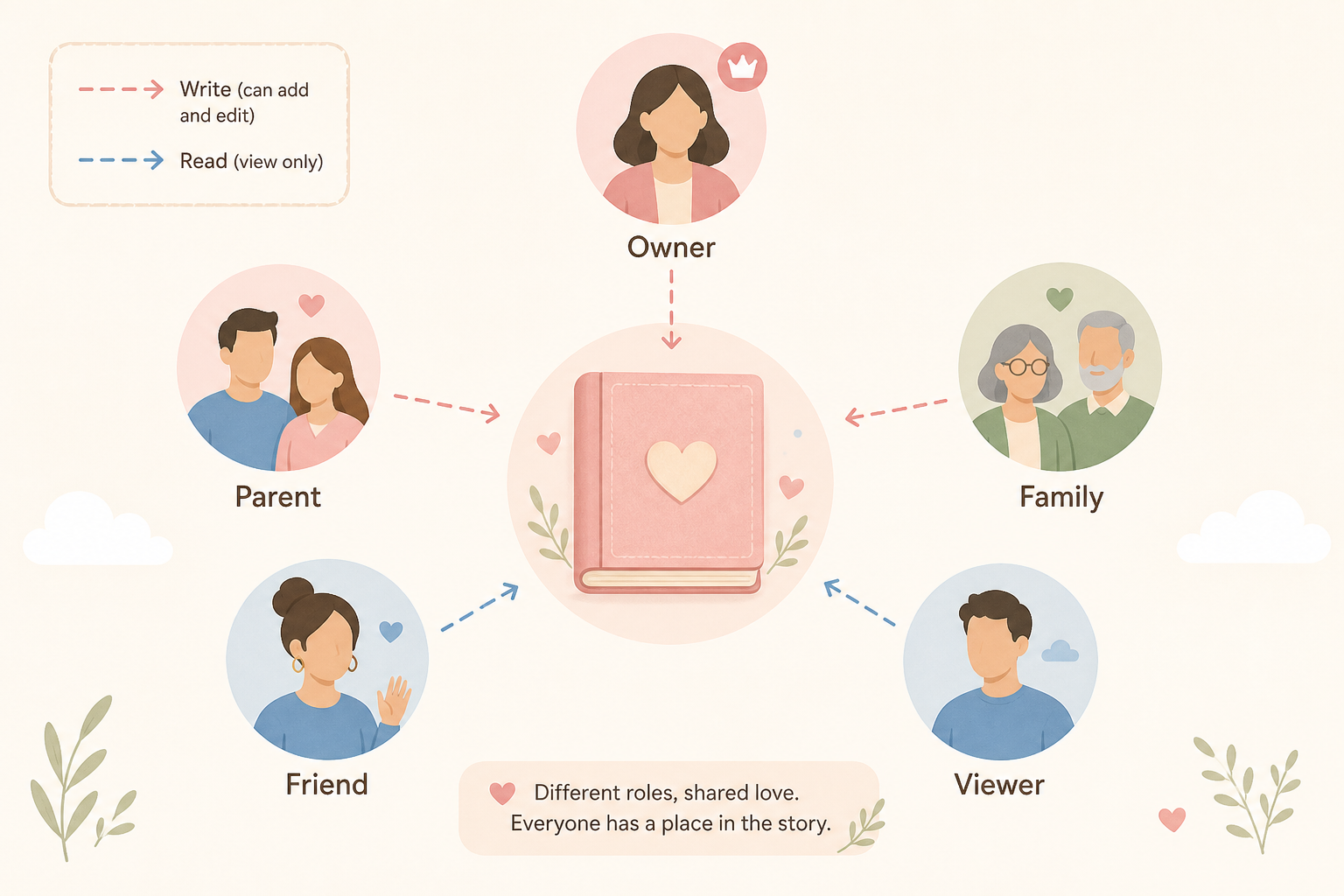
The family tree records relatives. The friends list records people who belong in the child’s everyday life but are not necessarily related. Both pages are Premium features.
Open and fill the family tree
- 1
Open the page
Child sidebar → Family / family tree (/child/[id]/family). Without Premium: a lock and View Premium.
- 2
Add people
Add family members and set the relationship to the child (e.g. mother, grandfather, aunt).
- 3
Connect with friends
From the friends list, To family → leads into the family tree when someone is both.
Friends
- 1
Open
Sidebar Friends (/child/[id]/friends). Typically appears from toddler age. Premium required.
- 2
Add a friend
+ Add friend. Name, whether it is a best friendship, where and when you met.