Help & Support
All guides
Detailed step-by-step instructions for every feature, organised by topic and role.
Getting started
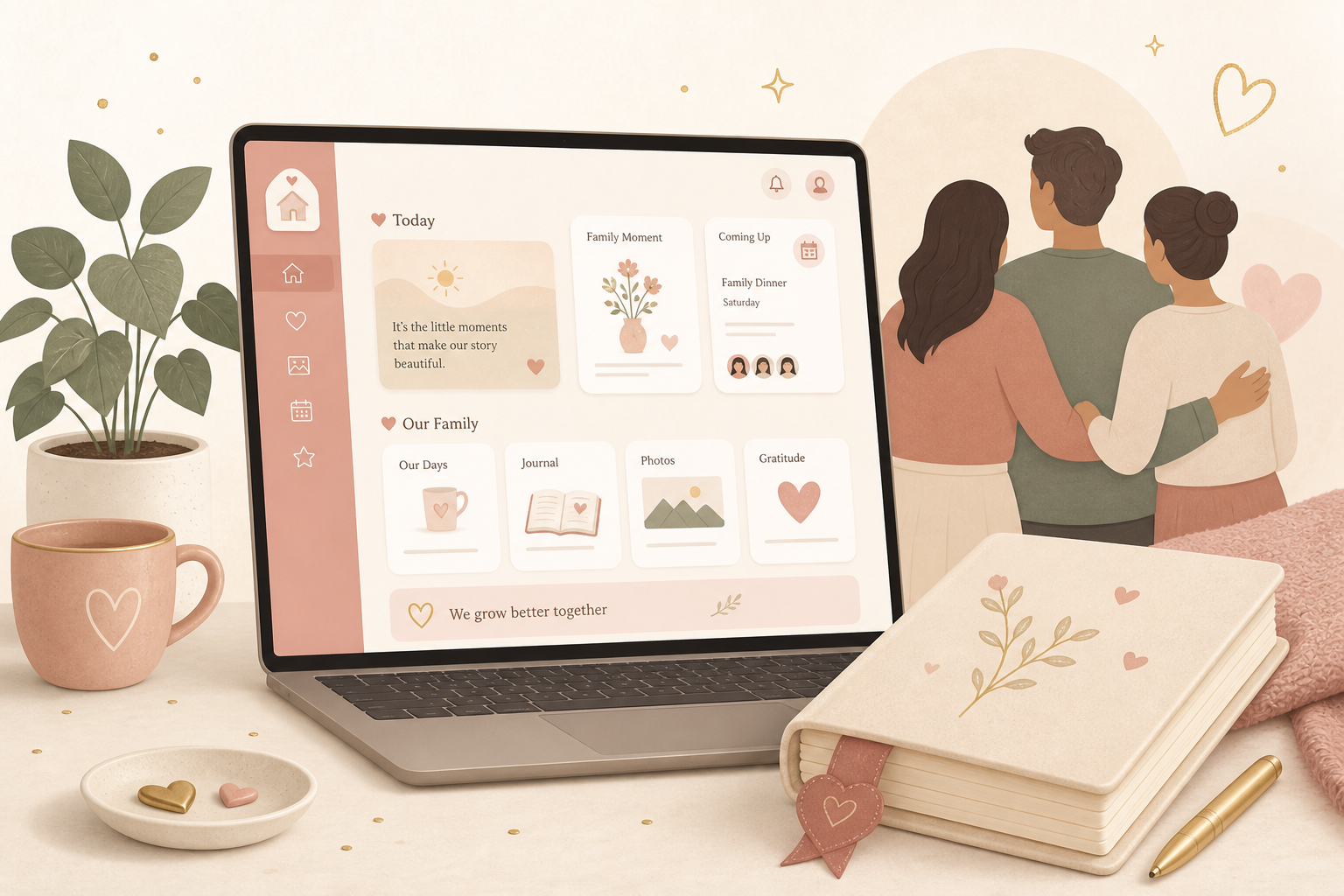
Quick start
Quick start: the first 15 minutes
A complete walkthrough from the first login to the first entry — detailed enough that you never have to guess.
Account
Create an account, log in and reset your password
From registration to unlocking: every field, button and special case around your account.
Diary
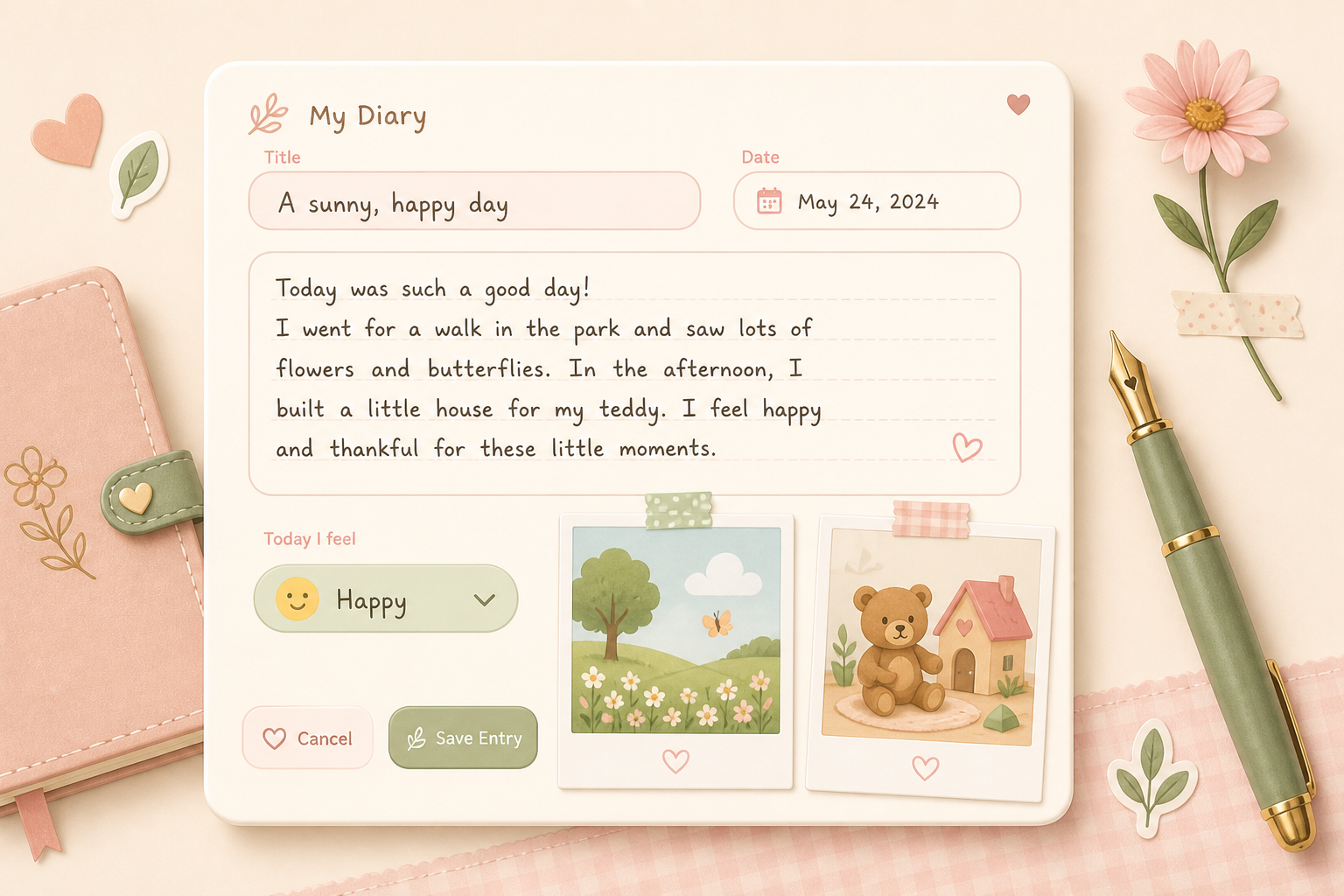
Diary
Write, edit and delete diary entries
The heart of Evermora: how to create an entry, fill in every field and find it again.
Yearbook
Yearbooks and the book view
Each year of life is its own book. How to create yearbooks, design the cover and turn pages like a real book.

Looking back
Memories, Timeline and Photobook
Three ways to find old moments again: anniversaries, calendar and a designed photobook.
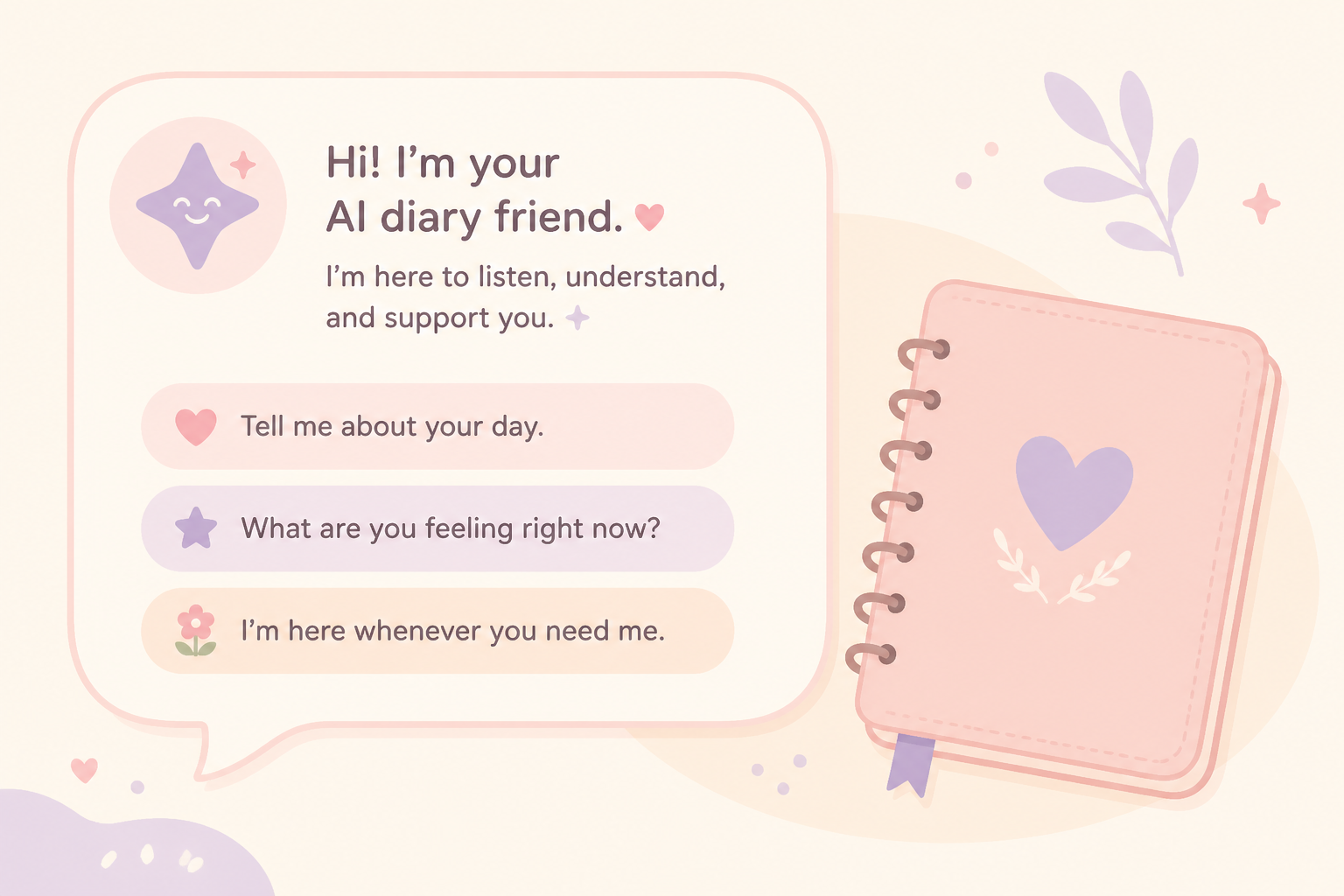
Media & AI
Images, voice input and AI in an entry
How to attach photos, dictate text and use AI to improve or illustrate — including free and Premium limits.
Trackers & health

Development & daily life
Development
Face development, first words and milestones
How to document appearance, language and development steps — including Premium for custom milestones.
Everyday
Activities, emotions, school and everyday life
What is already live — and which menu items still show Coming soon.
Family & sharing
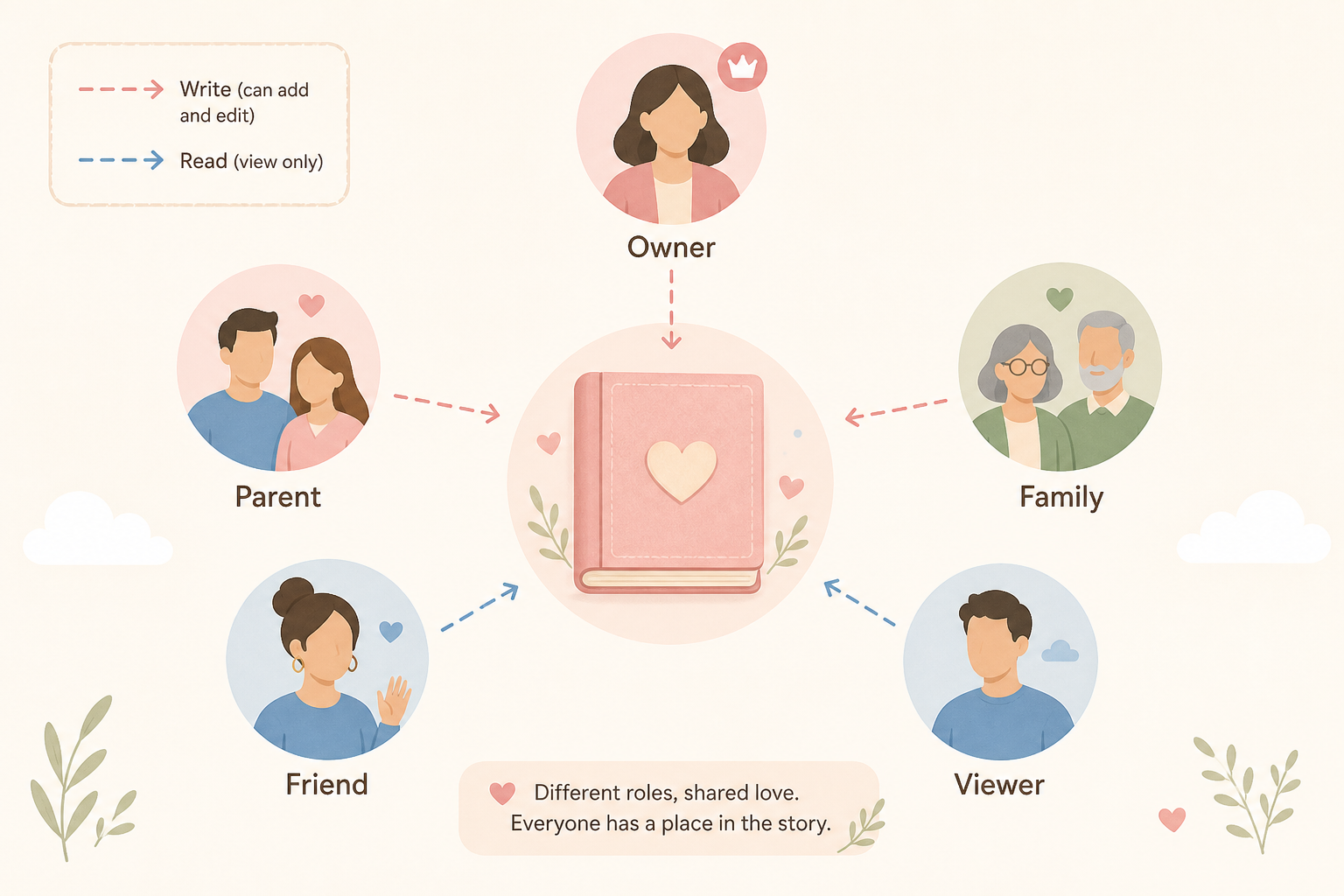
Roles
Roles, invitations and who may do what
Owner, Parent, Family, Friend, Viewer: permissions in plain language and the full invitation flow.
Family
Document the family tree, friends and family
How to maintain the family tree and the friends list — and which pages need Premium.
AI & assistant
Settings
Child settings
Child profile, calendar link and danger zone
Name, photo, birth date, display name, calendar sync, AI images and deleting a child.
Settings
Account settings: profile, language, notifications
Everything under the user menu Settings — except Billing, Security and export, which have their own guides.
Themes
Themes, Dark Mode and Theme Store
How to change the look of the app and how you recognise Premium designs.
Integrations
Connect Telegram and calendar
Feed the diary via chatbot and pull Timeline appointments into the phone calendar.
Export
Export data and import CSV
Backup copy, PDF and the way to bring tabular data back in.