Help & Support
Mobile· Mobile app
Using the mobile app properly
What the phone can do, what only works in the browser, and how you create entries on the go.
WritePremium
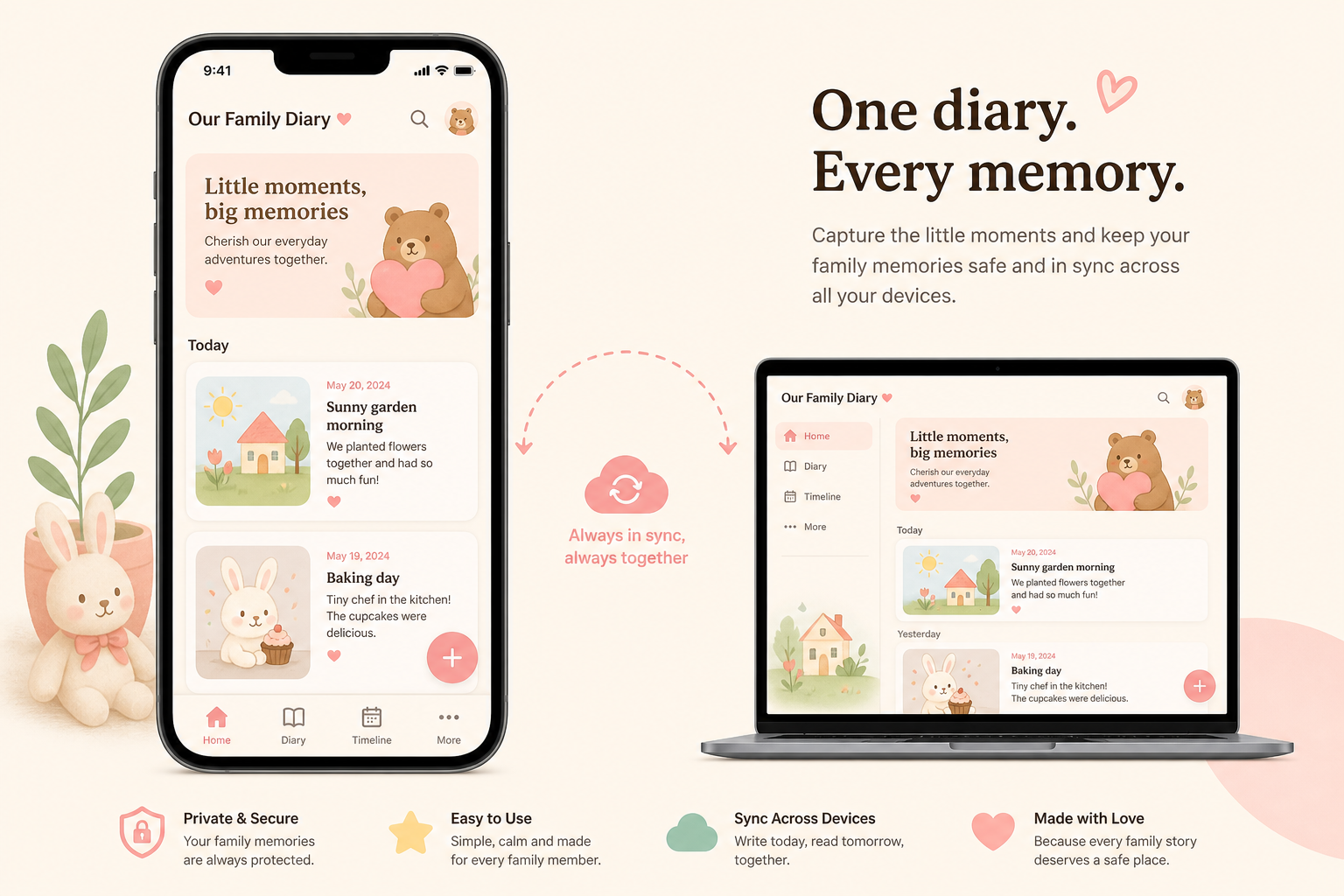
The mobile app mirrors the diary, not the whole administration. Creating children, invitations and admin stay reliable in the browser.
The tabs
| Tab | Task |
|---|---|
| Home | Overview and starting point |
| Diary | Read and write entries |
| Timeline | Chronology |
| Memories | Anniversaries (Premium) |
| Tracking | e.g. Sleep and Feeding |
| More | Settings, help, open the web app |
In the centre: plus button → New entry. Login can be biometric (fingerprint/face) in addition to the password.
Only in the browser (web)
- Create a new child or yearbook
- Invite family members and change roles
- Full Theme Store and many child modules
- Admin area
- Complete export options
Paying on the phone
Android: Google Play in-app purchase. Web: Stripe under Settings → Billing. Do not mix the two paths — you must cancel where you paid.
Speech on the phone
Device voice input is often free. Cloud/AI transcription is Premium. Allow microphone permission in the system settings.