Help & Support
Themes· Settings
Themes, Dark Mode and Theme Store
How to change the look of the app and how you recognise Premium designs.
FreePremium
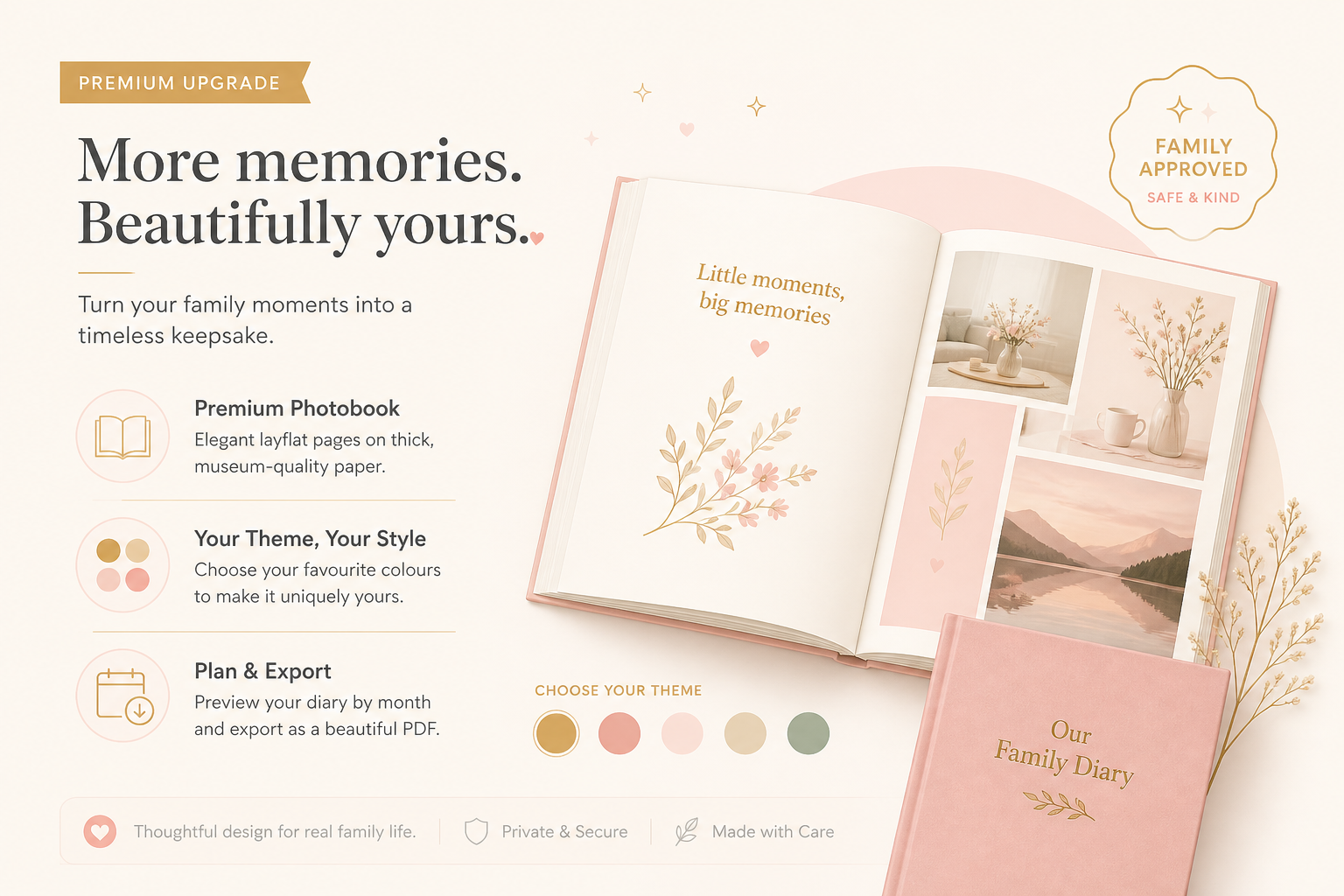
Themes change colours, surfaces and the mood of the whole app. Yearbook backgrounds are different: they apply to one book only. You can combine both.
Change the app theme
- 1
Open Themes
Settings → Themes (/settings/themes).
- 2
Choose a theme
Tap a card. The design applies to the app. Premium themes stay locked without a subscription.
- 3
Dark Mode
Dark Mode switch for dark surfaces — useful in the evening.
- 4
Theme Store
Open Theme Store or /store/themes. Additional designs live there.
Yearbook backgrounds
Yearbook backgrounds (for example Aurora, Starlight, Crystal) are set in yearbook settings, not in the Theme Store. Premium backgrounds show View Premium if your plan does not include them.