Help & Support
Memories, Timeline and Photobook
Three ways to find old moments again: anniversaries, calendar and a designed photobook.
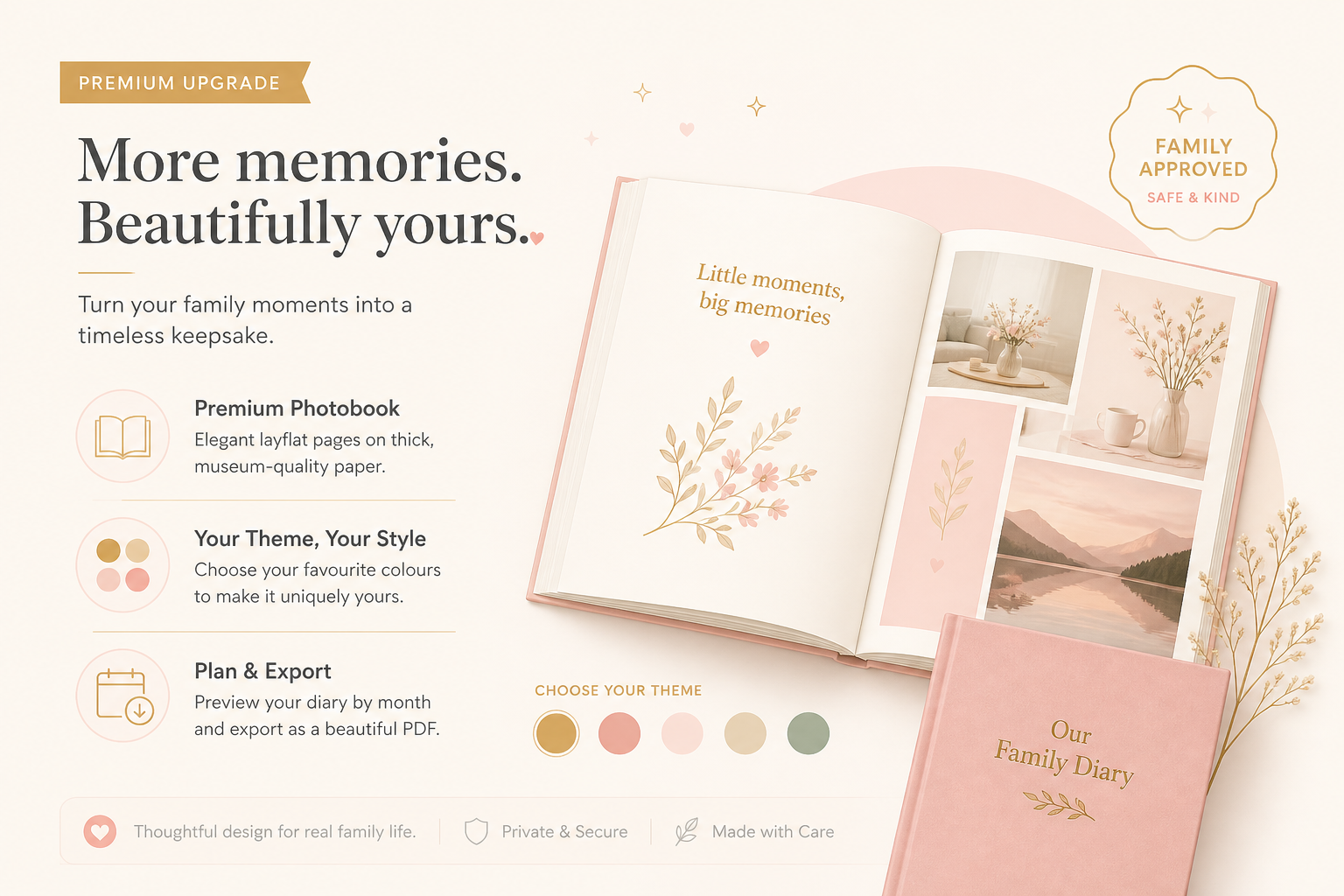
The diary collects. These three pages sort: Memories shows anniversaries, Timeline is the calendar, Photobook turns images into a finished piece.
Memories
In the child sidebar open Memories (/child/[id]/memories). You see moments “on this day” or “X years ago”. Premium page: without a subscription, Premium feature appears with View Premium.
Timeline
- 1
Open
Sidebar Timeline → /child/[id]/timeline.
- 2
Choose the view
Switch between day, week, month and multi-month.
- 3
Add an event or a plan
Add event for something that happened. Add plan for the bucket list / upcoming things.
- 4
Export the calendar
If visible: Export calendar (.ics). This needs the calendar sync feature and matching permissions.
Photobook
- 1
Open
Sidebar Photobook. Premium access required.
- 2
Create a photobook
Click Create photobook. Choose the period, Book title, design and format.
- 3
Review and generate
Create preview, check the contents, then Generate PDF. Download the PDF and keep it locally if you want a printed copy.